IPTV free trial · no credit card
IPTV Free Trial — Test KenoaTV Before You Buy
Start a free IPTV trial with KenoaTV and get full access to live TV channels, the VOD library and live sports on your own device. The trial runs 36 hours and can be extended twice (36 hours each) for up to about 4.5 days — no payment details required.
KenoaTV is also written Kenoa TV and searched as Kenoa IPTV. Trial playback, resolution and catalog availability can vary by device, application, region, source and network conditions.
A free IPTV trial that is long enough to actually test
IPTV (internet protocol television) delivers live channels and on-demand content over your internet connection, and the only reliable way to judge a provider is to try it. Most IPTV free trials give you 24 hours — barely enough for one evening. The KenoaTV IPTV free trial starts at 36 hours and can be extended twice, 36 hours at a time, so a fully extended trial gives you around 4.5 days (about 108 hours) to check picture quality, channels and buffering on the devices and connection you will really use.
- 36-hour free trial, extendable twice to about 4.5 days total.
- No credit card required — no payment details are stored to start the trial.
- Full access on one connection — the same live channels, VOD library and EPG TV guide as a paid plan.
- Fast activation — trial credentials arrive quickly so you can start streaming in minutes.
- Multi-device compatibility — Fire TV, Android TV, Smart TV, MAG box, Windows PC, Mac, iOS and Android.
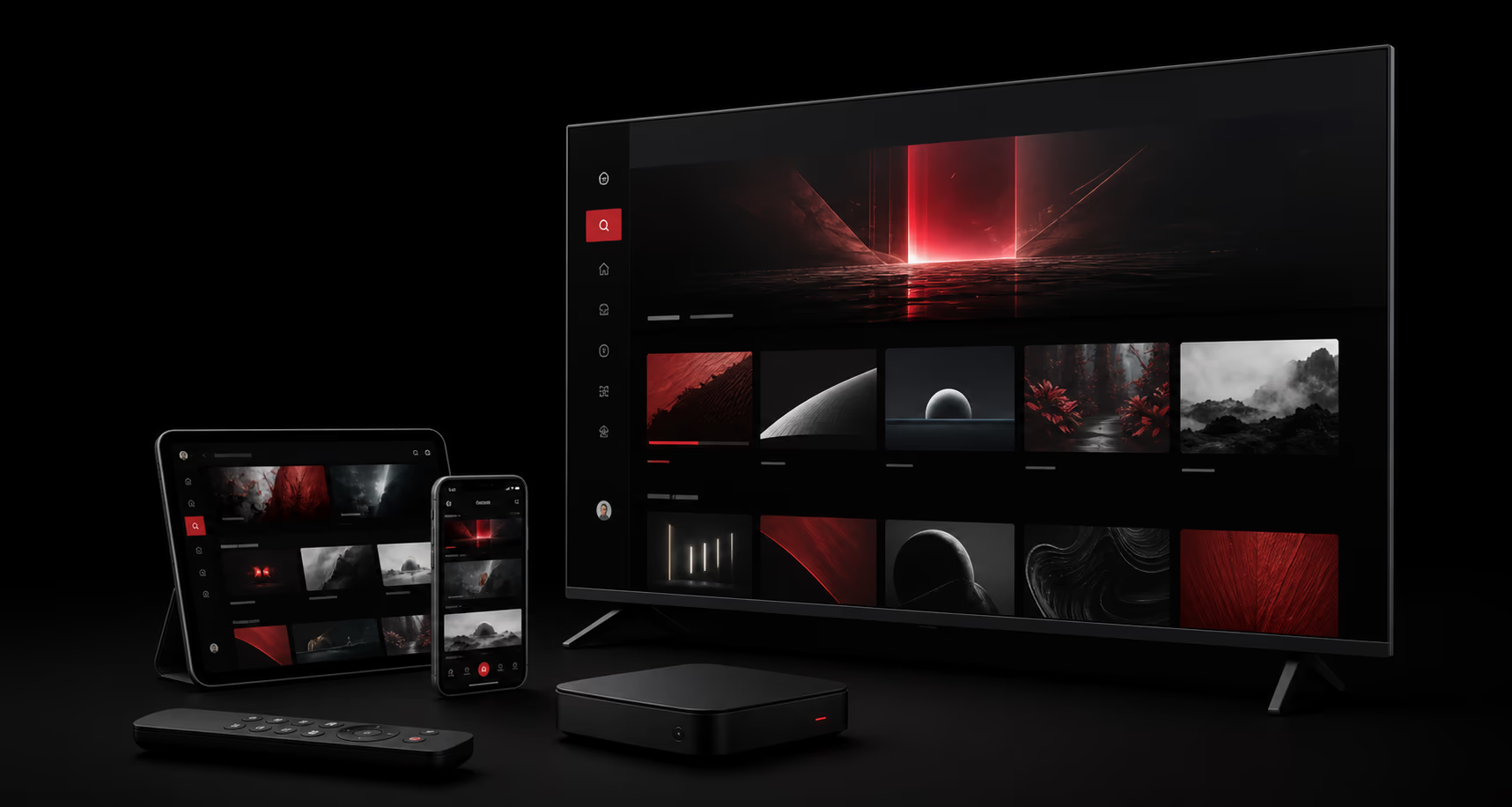
What to test during your free IPTV trial
A useful trial is not just about opening one channel. Use the trial period to check the complete experience you would rely on after buying a subscription.
Test your main device
Use the Smart TV, Fire TV, Android TV, MAG box, phone, tablet, Windows PC, Mac, or compatible IPTV player you expect to watch most often. Multi-device compatibility is one of the first things worth checking.
Confirm the channels and content you care about
Check your must-have live TV channels, the VOD library of movies and TV series, catch-up TV, international channels and live sports. Catalog availability can change by package and source.
Check real playback conditions
Test on your normal internet connection and during peak hours. Your internet speed, device performance and network quality all affect streaming quality and whether HD or 4K streaming stays stable.
How the KenoaTV IPTV free trial works
- 1. Start the trial: open the secure trial checkout and provide the details required for activation. No card is needed.
- 2. Get your trial credentials: use the username, password or M3U/Xtream details supplied to sign in to a compatible IPTV player.
- 3. Test what matters: verify your device, network, essential channels, the VOD library, the EPG, navigation and playback during peak hours.
- 4. Extend if you need more time: request up to two 36-hour extensions to reach about 4.5 days of testing.
- 5. Choose when ready: compare current KenoaTV plans and activate a paid subscription only after your trial.
Get the most from a free trial
- Install one compatible IPTV player such as IPTV Smarters Pro or TiviMate before you start.
- Keep a short list of must-have channels, sports and content categories to check.
- Test both Wi-Fi and Ethernet, and watch a live channel for 20-30 minutes during a busy evening.
- Never share your trial credentials or private playlist URL publicly.
- Use the KenoaTV Help Center if setup or playback needs attention.
- New to IPTV? Read what IPTV is and how it works and how much IPTV costs.
IPTV free trial — FAQ
Common questions about the free trial
How long the IPTV free trial lasts, what it includes, which devices work and what it costs.
Is the KenoaTV IPTV free trial really free?+
Yes. The KenoaTV IPTV free trial costs nothing and no payment details are required to start it. You only pay if you decide to buy a paid plan afterwards.
How long does the KenoaTV free trial last?+
The free trial runs for 36 hours. You can extend it twice, 36 hours each time, so a fully extended trial gives you about 4.5 days (roughly 108 hours) to test the service before choosing a subscription.
How do I extend my IPTV free trial?+
At the trial checkout, turn on the "Extend your free trial" switch and enter the username from the trial you want to extend. Each request adds another 36-hour window, up to two extensions per trial.
Do I need a credit card for the free IPTV trial?+
No credit card is required. You provide only the details needed to activate the trial credentials, and no card or payment information is stored.
What do I get during the free trial?+
The trial gives you full access to the same live channels, VOD library and EPG TV guide as a paid subscription on one connection, so you are testing the real service rather than a limited demo.
Which devices work with the KenoaTV IPTV trial?+
The trial works with common IPTV apps such as IPTV Smarters Pro and TiviMate on Fire TV, Android TV and Android phones, App Store players on Apple TV and iOS, Tizen and webOS players on Samsung and LG Smart TVs, MAG boxes, and desktop players on Windows PC and Mac. See the device setup guides for the right player.
What internet speed do I need to test IPTV?+
About 15-25 Mbps is comfortable for HD and 25 Mbps or more for 4K streaming. A wired connection or strong 5 GHz Wi-Fi gives the most stable streaming, which matters most for live sports.
Is IPTV legal to use?+
Using an IPTV service and IPTV player apps is legal. Responsibility for content licensing sits with the provider. KenoaTV publishes its terms of service, refund policy and company information so you can review them before you subscribe.
What happens when the trial ends?+
Playback simply stops when the trial window closes. If you want to keep watching, compare current KenoaTV plans and activate a paid subscription; activation is fast once payment is confirmed.
Try KenoaTV IPTV free before you subscribe
Use the free trial to decide based on your own device, connection and viewing priorities — not on unsupported promises. Start now, extend if you need more time, and only pay when you are sure.